Lesson 9 of 9For Admin
Team & policy
Invite your team, set roles, and tune approval rules.
app.reimba.com/app/settings
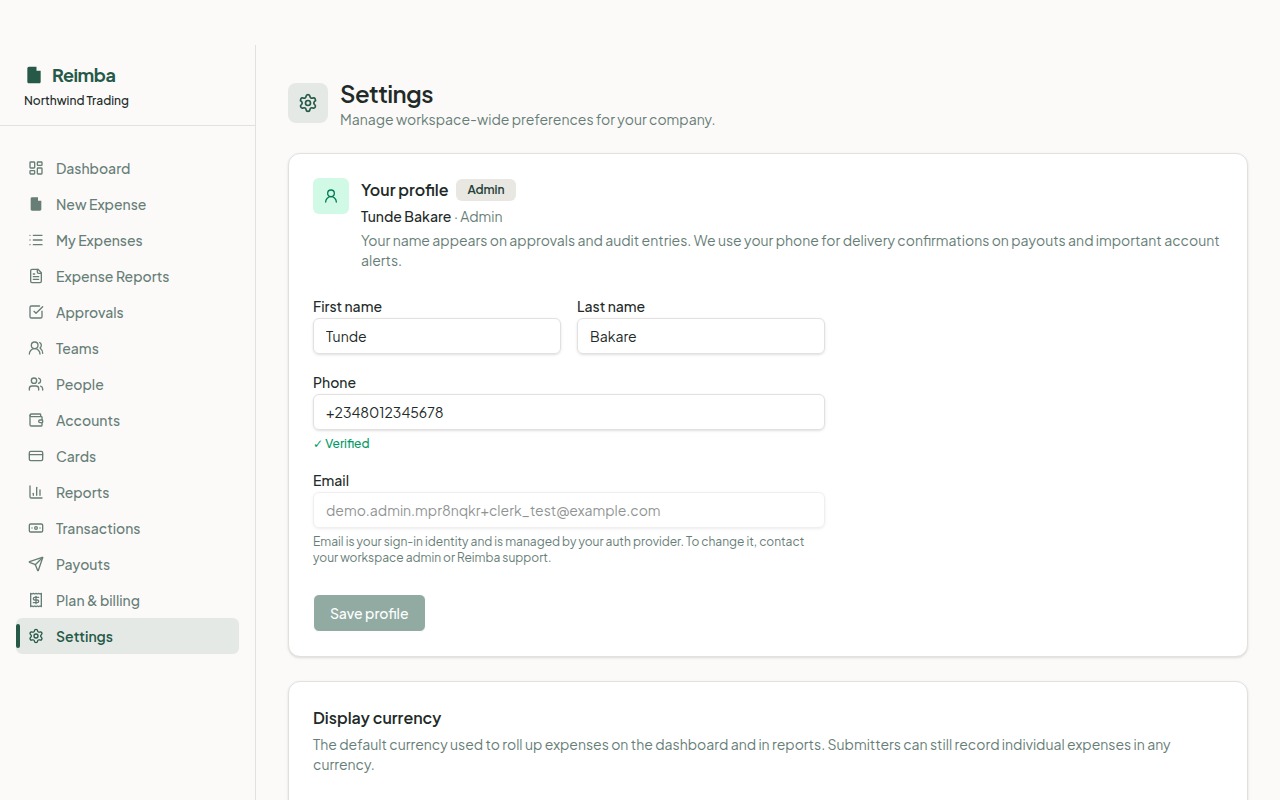
Settings is where admins shape how Reimba behaves. Invite your finance and approval team with the right roles, share a self-serve signup link for staff, and tune the approval policy — manager requirement, escalation thresholds, and delegations — to match how your company actually works.
How it works
- 1Invite accountants, managers, and admins by email with the role they should have.
- 2Share a signup link so submitters can self-serve onto the right team.
- 3Set your approval policy: manager requirement, escalation threshold, and an optional extra approver.
- 4Add entities for multi-subsidiary or multi-country operations.
Worth knowing
- Role-based invites and self-serve signup
- Configurable approval policy and escalation
- Multi-entity support