Lesson 6 of 9For Accounting
Chart of accounts
Map categories to GL accounts so journals export clean.
app.reimba.com/app/accounts
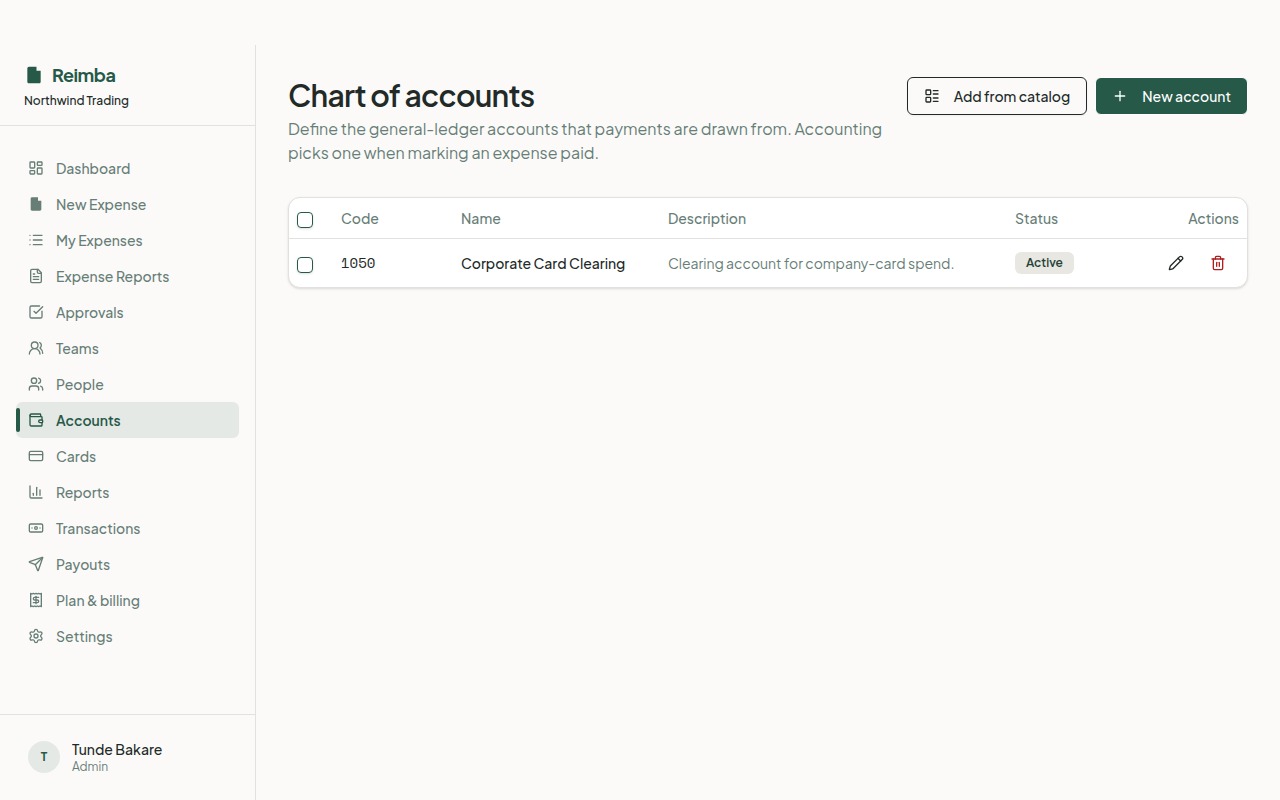
Your chart of accounts is what makes the exports usable in your real accounting software. Load a starter chart or bring your own, then map each expense category to the right GL account. Do this once and every journal Reimba produces drops straight into your books.
How it works
- 1Load a starter chart of accounts or add your own accounts in bulk.
- 2Map each spending category to a GL account.
- 3From then on, approved spend is coded automatically for export.
Worth knowing
- Starter chart or bring-your-own
- Category-to-GL mapping
- Restricted to accounting and admins